WordPress maintenance is the ongoing work that keeps a WordPress site secure, fast, and working after launch: updating WordPress, its plugins, and its theme; backing up and testing restores; watching for security threats and downtime; keeping the hosting software current; and fixing problems when they happen. Updates are the part everyone thinks of, but most incidents come from the parts nobody owns: a plugin that stopped being maintained, a backup that was never tested, or a site that was down for hours before anyone noticed.
We maintain WordPress sites for universities, government agencies, and nonprofits. This guide is for the IT or Marketing Director who owns the site: what a maintenance plan should cover, the types of services and what each one leaves out, what drives the cost, and the questions to ask before you sign.
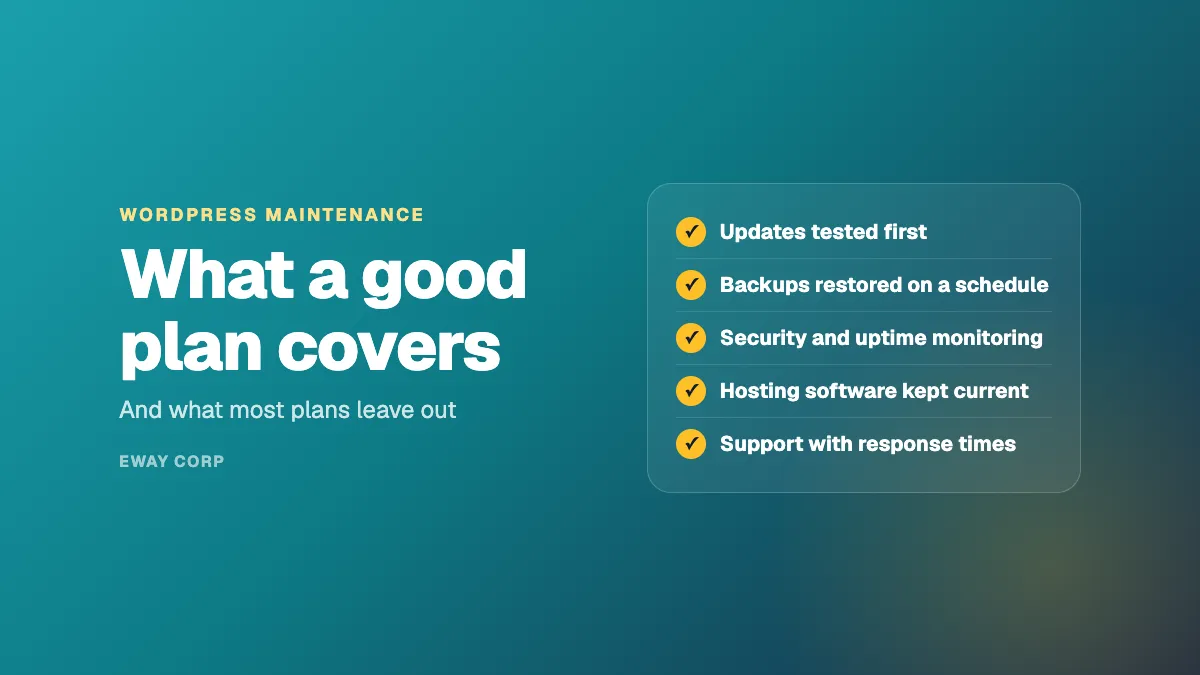
A WordPress maintenance plan should cover
- Updates to WordPress, plugins, and the theme, tested before they reach the live site
- Backups that are stored off the server and restored on a schedule to prove they work
- Security: a web application firewall, malware scanning, and access controls
- Monitoring for downtime and slow pages, with alerts to someone who will act
- Hosting upkeep, including server software upgrades
- Support with written response times, and a monthly report of what was done
Why WordPress Needs Ongoing Maintenance
Only the latest version is supported. WordPress officially supports only its most recent release. Its security team does backport important fixes to older versions as a courtesy, but a site that falls behind is relying on goodwill, not support.
Plugins are the biggest exposure. A typical institutional site runs dozens of plugins, each written and maintained by a different developer. Security problems in plugins are handled by those developers, not by WordPress itself. When a plugin is abandoned or pulled from the WordPress directory over a security issue, sites already using it may not be told. Someone has to watch for that.
Automatic updates only go so far. WordPress installs minor and security releases of its own software automatically on most sites, which is a good safety net. Plugins and themes, which is where most of the risk sits, update automatically only in special cases unless someone switches it on, and switching it on without testing can break a site.
The server ages too. WordPress recommends PHP 8.3 or later and current database versions, and it warns that older versions which still run it have reached end of life. Hosting software needs upgrading every year or two, and each upgrade has to be tested against your plugins.
New content undoes old fixes. Accessibility, performance, and search visibility drift as editors publish. For public agencies and universities, the Department of Justice's ADA Title II rule requires WCAG 2.1 AA conformance, so accessibility checks belong in maintenance, not in a one-time audit.
Types of WordPress Maintenance Services
Most options fall into five types. The differences are in what they leave out.
| Type | What it usually covers | What it usually leaves out |
|---|---|---|
| In-house | Whatever your own staff have time for | Nights, weekends, and holidays; depth when the one person who knows the site is away |
| Freelancer or agency hours | Updates and fixes, billed against a block of hours | Monitoring, 24x7 response, and anything not explicitly requested |
| Maintenance plan | Scheduled updates, backups, security scanning, uptime checks | The hosting itself, testing before updates, and fixing what an update breaks |
| Managed WordPress hosting | Servers, server software, backups, a firewall, sometimes core updates | Your plugins, your theme, your content, and anything inside the application |
| Managed operations | Hosting and the WordPress application together, with testing, monitoring, incident response, and reporting under one SLA | Content and design, unless added to the engagement |
The gap that causes the most trouble is between hosting and the application. A host keeps the server running; a maintenance plan updates the plugins. When an update breaks the site at 2 a.m., each side can reasonably say it is the other's problem. Choosing one owner for both closes that gap.
What Drives the Cost of WordPress Maintenance
Prices vary widely, and the cheapest plans usually do the least. These factors move the cost most:
- Number of sites. Ten departmental sites cost more than one, though a WordPress Multisite network can lower the cost per site.
- Plugins and custom code. Every plugin is something to update and test, and custom code needs a developer who understands it.
- Testing. Plans that test updates on a staging copy first cost more than plans that update the live site and hope.
- Response times. A 24x7 commitment with a written response time costs more than business-hours email support, and is worth it for any site the public depends on.
- Traffic and uptime needs. Sites with application deadlines, emergencies, or elections need capacity planning and stronger hosting.
- Compliance. Accessibility monitoring, security review documentation, and audit evidence add work, and are usually required in the public sector.
When comparing quotes, compare what is included, not just the monthly price.
Warning Signs Your WordPress Maintenance Is Not Working
- Updates are weeks or months behind, or nobody can say when they last ran.
- The site has plugins nobody can explain, or plugins with no update in over a year.
- You learn about outages from colleagues or the public, not from an alert.
- Nobody has restored the site from a backup in the last year.
- Updates are applied straight to the live site, and sometimes break it.
- Your security office's vendor review takes weeks of digging to answer.
- Pages are slow on your busiest days.
Questions to Ask a WordPress Maintenance Provider
- Do you test updates on a staging copy before they reach the live site?
- Who fixes the site if an update breaks it, and is that included?
- What are your written response times, and do they apply at night and on weekends?
- How do you monitor uptime and speed, and who gets the alerts?
- When did you last restore a client site from backup, and how long did it take?
- Do you manage the hosting too, or only the WordPress application?
- Do you check accessibility as part of maintenance?
- What do we get each month to show what was done?
For a deeper checklist on choosing a provider, see selecting a managed WordPress hosting provider and WordPress security in regulated environments.
How eWay Maintains WordPress
We run WordPress as one managed engagement: the hosting on AWS or Azure and the WordPress application on top of it, with updates tested in staging, security monitoring and a web application firewall, tested backups, accessibility checks, capacity planned around your busiest dates, and support around the clock. Our service commitments are a 99.9% monthly uptime SLA and a 15-minute response to severity-1 incidents, 24x7. See managed WordPress hosting, and how we work with higher education and government.
Not sure your WordPress site is being maintained properly? Request a WordPress maintenance assessment. We review your updates, plugins, backups, security, and hosting, and give you a prioritized list of what to fix.
Frequently Asked Questions
What is WordPress maintenance?
The ongoing work that keeps a WordPress site secure and working after launch: updating WordPress, plugins, and the theme; backups and tested restores; security monitoring; uptime and performance monitoring; hosting upkeep; and support when something goes wrong.
How often should WordPress be updated?
Security releases should be applied within days of release, and routine updates to plugins and themes on a regular schedule, typically monthly, after testing on a staging copy. WordPress applies its own minor and security releases automatically on most sites, but plugins and themes need a plan.
Does WordPress update itself?
Partly. WordPress installs its own minor and security releases automatically on most sites. Plugins and themes update automatically only in special cases unless that is switched on, and automatic plugin updates without testing can break a site.
What does a WordPress maintenance plan include?
At minimum: tested updates, off-site backups with regular restore tests, security scanning and a firewall, uptime monitoring, and support with written response times. Better plans add hosting, performance and accessibility monitoring, and monthly reporting.
What is the difference between managed WordPress hosting and WordPress maintenance?
Managed hosting looks after the servers your site runs on. Maintenance looks after the WordPress application itself: plugins, theme, updates, and fixes. Many providers offer only one, which leaves a gap when something breaks between them.
Is it safe to run an older version of WordPress?
No. Only the latest version of WordPress is officially supported. Older versions may receive some security fixes as a courtesy, but plugins drop support for them over time, and the hosting software they need eventually stops receiving security updates.