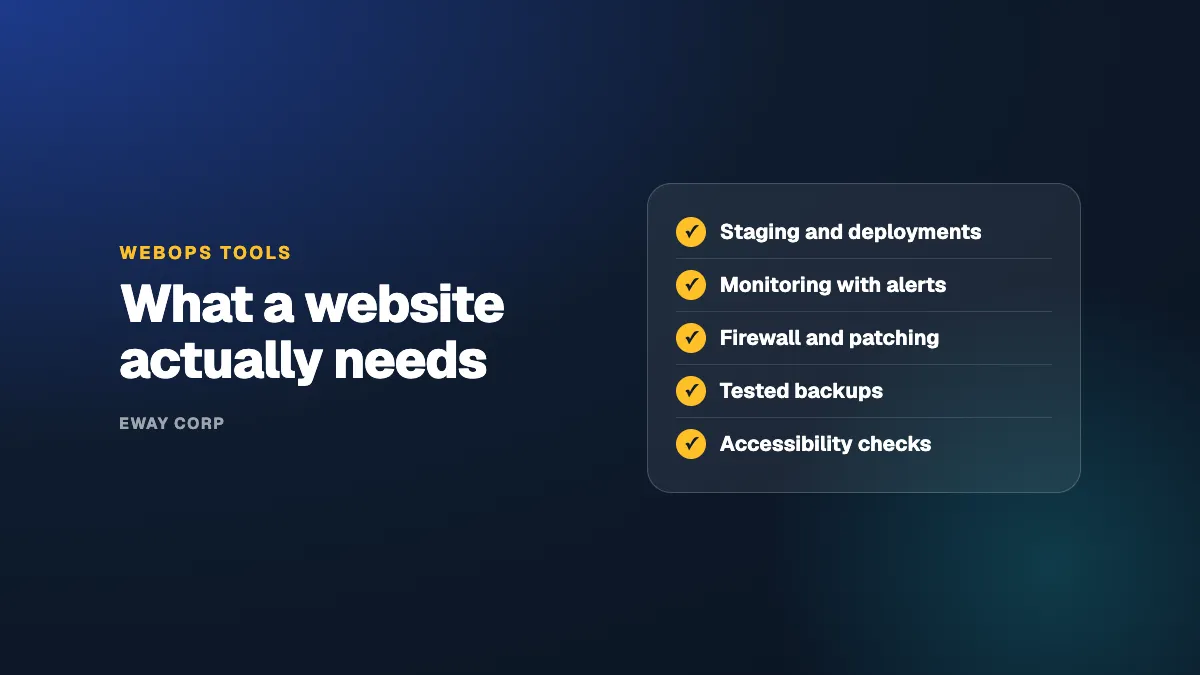
A well-run website depends on a small set of tools, used consistently. It needs separate environments to test changes, a repeatable way to deploy them, monitoring that alerts someone when the site is slow or down, a web application firewall and vulnerability alerts, backups that are tested by restoring them, and accessibility checks that run as content is published. A WebOps platform bundles some of these into one hosting product. None of them runs the website on its own: tools only help if a person owns the work they support.
This guide is for the IT or Marketing Director evaluating how their website is run. It covers the tool categories that matter, what a WebOps platform does and does not do, where AI is starting to help, and the questions to ask before you buy anything.
The WebOps toolkit, in one minute
- Environments: development, staging, and live copies of the site.
- Deployments: one repeatable way to release changes and roll them back.
- Monitoring: uptime, speed, and error alerts that reach a person.
- Security: a firewall, vulnerability alerts, and single sign-on for editors.
- Backups: stored away from the site, restored on a schedule.
- Accessibility: automated checks on templates and new content.
The Tool Categories That Matter
| Category | What it does for the website | Ask your team or vendor |
|---|---|---|
| Environments | Separate development, staging, and live copies, so changes are tested before visitors see them | Does staging match the live site closely enough to trust a test? |
| Version control and deployments | A record of every change, and one repeatable way to release and roll back | How long does it take to undo a bad release? |
| Uptime and performance monitoring | Alerts when the site is down or slow, and trends over time | Who gets the alert at night, and what do they do? |
| Security tools | A web application firewall, vulnerability alerts for the CMS and its add-ons, and single sign-on for editors | How quickly are critical security fixes applied? |
| Backups | Copies of the site and its content stored away from it | When was a backup last restored, and how long did it take? |
| Content delivery network | Serves pages from locations close to visitors and absorbs traffic spikes | Is it refreshed automatically when content changes? |
| Accessibility checking | Automated scans of templates and new pages against accessibility standards | Are new pages checked when they are published, or only at audit time? |
| Ticketing and reporting | A clear way to request work and a record of what was done | What report do we get each month? |
Most organizations already pay for several of these, often from different vendors, owned by different people. The gaps are usually between the tools, not in them.
What a WebOps Platform Does, and Does Not Do
A WebOps platform is a hosting product built for websites. It typically bundles environments, deployment workflows, caching and a content delivery network, automated updates to the CMS core, and some monitoring, in one place.
That is a real improvement over basic hosting, and it suits organizations with capable in-house developers who want better tools. But a platform runs the infrastructure. It generally leaves these with you:
- Your add-ons. Plugins, modules, and themes, and what happens when an update breaks them.
- Your custom code and integrations with other systems.
- Accessibility of your templates and content.
- Responding when the application, rather than the server, fails.
- Planning for upgrades, end-of-life dates, and your busiest days.
If your team has the time and skills for those, a platform may be all you need. If it does not, the remaining work needs an owner, whether that is a bigger internal team or a managed operator. The trade-offs are covered in our guide to what a WebOps team does.
Where AI Helps in WebOps
AI is starting to help website operations in practical ways:
- Triage. Summarizing alerts and logs so the person on call understands an incident faster.
- Accessibility. Suggesting alternative text and flagging content patterns that are hard to read.
- Content checks. Catching broken links, outdated pages, and inconsistent terms across large sites.
- Search and support. Helping editors find answers about how to publish.
Treat these as assistants, not owners. An AI tool can point out a problem; a person still has to decide what to change, apply it safely, and answer for the result.
How to Choose Without Overbuying
- Start with ownership, not tools. Decide who is accountable for the website day to day. Then choose tools that person will actually use.
- Cover the basics first. Staging, tested backups, monitoring with alerts, and a firewall prevent most serious incidents.
- Prefer fewer, integrated tools over many overlapping ones with different owners.
- Ask for evidence. A tool that monitors uptime should produce a report you can read; a backup tool should show a recent successful restore.
- Count the people cost. Every tool needs someone to configure it, watch it, and act on it. A cheap tool nobody watches costs more than it saves.
For the bigger picture of how these tools fit together, see what is WebOps and our guide to day 2 operations.
How eWay Helps
We run the full WebOps toolkit for universities, government agencies, and nonprofits as part of one managed engagement: environments, deployments, monitoring, security, tested backups, a content delivery network, and accessibility checks, operated by one named team for your Cascade, Drupal, or WordPress site on AWS or Azure, under a monthly uptime SLA of up to 99.99%. You get the results and the reports without assembling the tools yourself. See our managed WebOps page.
Wondering what your current setup is missing? Take the twelve-question WebOps self-assessment, or talk to our WebOps team.
Frequently Asked Questions
What are WebOps tools?
The tools a website team uses to run a site after launch: development, staging, and live environments, version control and deployment workflows, uptime and performance monitoring, security tools such as a web application firewall, backups, a content delivery network, and accessibility checking.
What is a WebOps platform?
A hosting product built for websites that bundles operational tooling such as environments, deployment workflows, caching, and automated core updates. It improves the tools your team works with, but your team, or an operator, still runs the website on top of it.
Do I need a WebOps platform?
Not necessarily. You need the capabilities: staging, repeatable deployments, monitoring, security, tested backups, and accessibility checks. A platform is one way to get some of them. A managed operator provides them along with the people to run them.
Can AI run my website?
No. AI can help with alert triage, accessibility suggestions, and content checks, but decisions about what to change, and responsibility for the result, still need a person or team accountable for the website.
What are the most important WebOps tools to start with?
Staging, tested backups, uptime monitoring with alerts that reach a person, and a web application firewall. Together they prevent or shorten most serious website incidents.