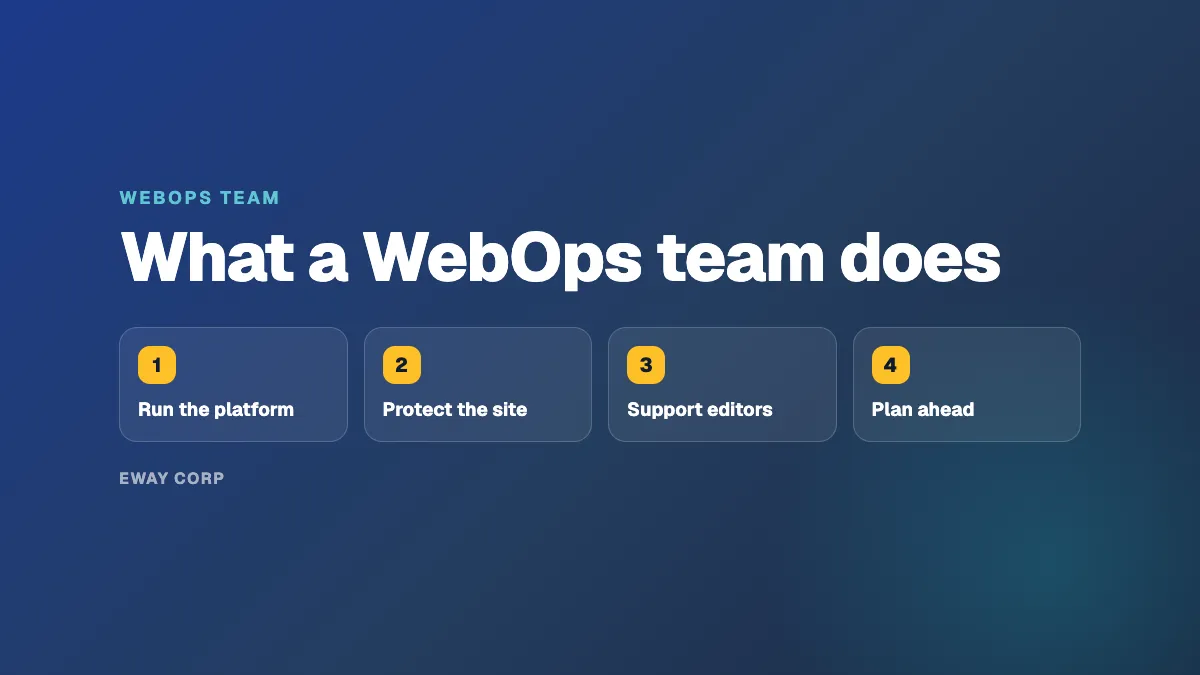
A WebOps team keeps a website fast, secure, accessible, and current after launch. Day to day it applies content management system and security updates, moves changes safely from staging to the live site, watches speed and uptime, responds to incidents at any hour, supports editors and their access, checks new content for accessibility, plans for traffic peaks, and produces the evidence a security review asks for. The team can be internal, shared with IT and an agency, or provided by a managed operator. What matters is that one team owns all of it.
This guide is for the IT or Marketing Director deciding how their website should be run. It covers what the team does, the roles it needs, how large it has to be for round-the-clock coverage, and how to choose the right model for your organization.
A WebOps team, in one minute
- Its job: keep the website working for the people who depend on it, every day, for the life of the site.
- Its scope: hosting, the CMS and its add-ons, deployments, performance, security, accessibility, publishing, and support.
- Its measures: uptime, response and restore time, how fast updates are applied, page speed, and accessibility.
- Its hardest part: being available at 2 a.m., on holidays, and on your busiest day.
What a WebOps Team Does, Day to Day
| Responsibility | What it involves | How often |
|---|---|---|
| Updates | CMS, plugin, module, and theme updates, tested on staging first; critical security fixes applied fast | Weekly to monthly, plus urgent fixes |
| Monitoring and incidents | Alerts for downtime and slow pages, someone who responds, and a review after every incident | Around the clock |
| Deployments | Moving new templates, features, and fixes to the live site the same way every time, with a way to roll back | As needed, often weekly |
| Performance | Caching, the content delivery network, and capacity for busy dates | Ongoing, with peaks planned ahead |
| Security | Firewall rules, access reviews, single sign-on for editors, vulnerability monitoring | Ongoing |
| Accessibility | Checking templates and new content so new pages do not undo past remediation | Continuous |
| Editor support | Accounts, permissions, publishing problems, training | Daily |
| Backups and recovery | Backups stored off the site and restored on a schedule to prove they work | Daily backups, periodic restore tests |
| Planning and reporting | Upgrade plans, end-of-life dates, budgets, and a regular report to the site owner | Monthly and quarterly |
Most of this work is invisible when it is done well. That is the point: a well-run website is one nobody has to think about.
The Roles a WebOps Team Needs
A WebOps team is defined by the skills it covers, not by job titles. In a small organization one person may hold several of these roles; in a managed operator they are spread across a team.
- Platform or operations engineer. Runs the hosting, the content delivery network, backups, and monitoring. Handles incidents.
- CMS developer. Understands WordPress, Drupal, or Cascade in depth. Applies and tests updates, maintains custom code, and fixes what breaks.
- Security lead. Owns patching priorities, access control, the firewall, and the evidence for security reviews.
- Accessibility specialist. Checks templates and content against accessibility standards and helps editors fix issues.
- Service owner. The single person accountable to the website's business owner: priorities, reporting, budgets, and escalation.
- Editor support. Helps the people who publish content, often shared with the marketing or communications team.
How Big Does the Team Need to Be?
The work during business hours can often be handled by a small team. The hard part is coverage. A website that matters to enrollment, public services, or donations needs someone to respond at night, on weekends, and on holidays, and that person needs backup when they are sick or on leave.
Covering every hour of every week with a reasonable on-call rotation takes several people with overlapping skills, not one or two. That is the main reason many organizations that build a capable internal web team still struggle with WebOps: the team is good, but it is not big enough to be always on.
Three Ways to Staff WebOps
Build it in-house. You get full control and people who know your organization. You also own hiring, training, the on-call rotation, and the risk that knowledge leaves with one person. This fits large institutions with a steady budget for several web engineers.
Share it between IT, an agency, and a host. IT runs the network, an agency makes changes on a retainer, and the host keeps the servers up. This is the most common model and the one with the most gaps: when the site breaks at night, each party can reasonably say it belongs to someone else.
Hire a managed WebOps operator. A named team runs the hosting and the application together under written commitments, and your team keeps control of content and priorities. This fits organizations without round-the-clock web engineering, with several sites or platforms, or with compliance obligations. Check that the operator owns the application layer, not only the servers, and that response times are in the contract.
The three operating models are compared in more detail in our guide to what is WebOps.
Signs Your Website Needs a WebOps Team
- Updates wait until something breaks.
- You learn about outages from colleagues or the public.
- One person holds most of the knowledge about how the site runs.
- Nobody can say when a backup was last restored.
- Accessibility is checked at launch and during audits, not as content is published.
- Your security office's questions take weeks to answer.
- The site slows down on the days that matter most.
If several of these sound familiar, your site is being hosted, not operated. Our guide to day 2 operations explains why the period after launch is where most of these problems start.
Questions to Ask Before You Decide
- Who responds when the site goes down at 2 a.m., and how fast?
- Who decides which updates to apply, and who tests them?
- Who owns accessibility as new content is published?
- Who answers the security questionnaire, and with what evidence?
- What happens when the person who knows the site leaves?
- What does it cost per year to run the site properly, including on-call coverage?
How eWay Helps
We are a managed WebOps operator for universities, government agencies, and nonprofits. One named team covers every role above for your Cascade, Drupal, or WordPress site and the AWS or Azure hosting under it, around the clock, under a monthly uptime SLA of up to 99.99%. Your team keeps control of content and priorities. See how the engagement works on our managed WebOps page.
Want to know where your gaps are? Take the twelve-question WebOps self-assessment, or talk to our WebOps team.
Frequently Asked Questions
What does a WebOps team do?
It keeps a website fast, secure, accessible, and current after launch: updates, deployments, monitoring and incident response, performance, security, accessibility, editor support, backups, and planning for upgrades and busy dates.
What roles are in a WebOps team?
Typically a platform or operations engineer, a CMS developer, a security lead, an accessibility specialist, a service owner accountable to the business, and editor support. In smaller organizations one person may cover several roles.
Does every website need a WebOps team?
Every website needs WebOps; not every organization needs to build its own team. A small site can be run part-time by a capable person, while a site that matters to enrollment, public services, or revenue usually needs round-the-clock coverage from a larger internal team or a managed operator.
What is the difference between a WebOps team and a web agency?
An agency usually designs and builds the site and makes requested changes. A WebOps team runs the site after launch, continuously, including monitoring, incident response, updates, and accessibility. Some organizations use both.
When should I hire a managed WebOps operator?
When the website is critical, you have no round-the-clock web engineering coverage, you run several sites or platforms, or you need evidence for security and accessibility reviews that your current arrangement cannot produce.