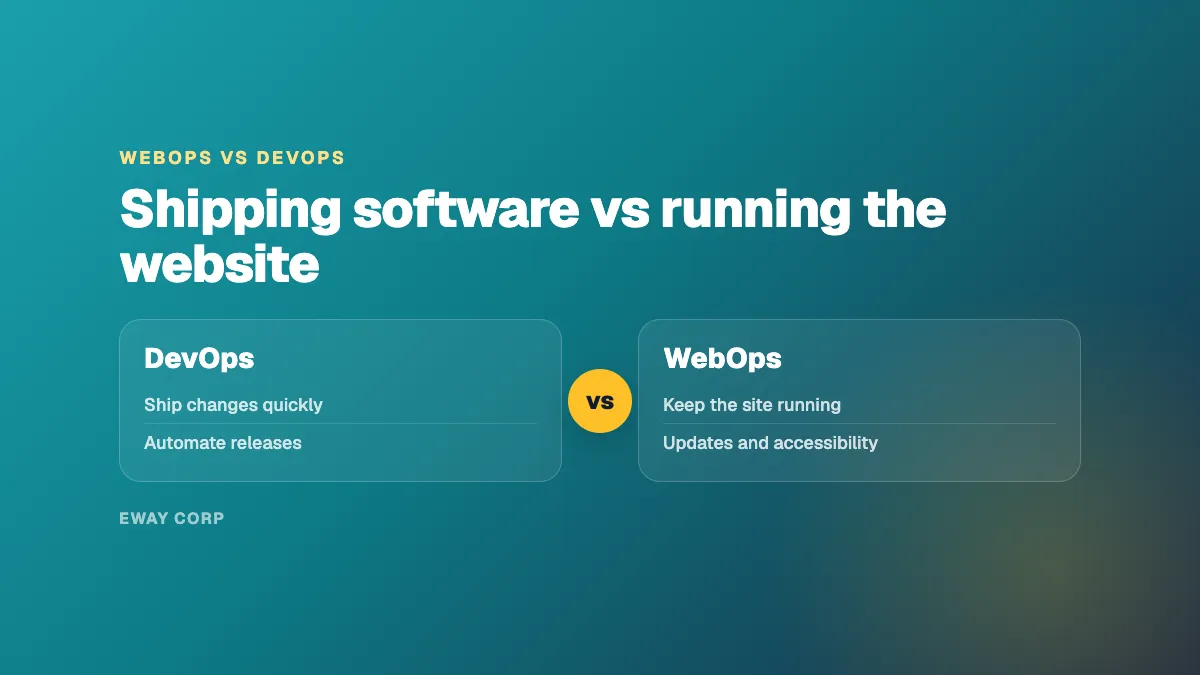
DevOps is about how software gets built and released. WebOps is about how a website is run once it is live. DevOps brings development and IT operations together so teams can ship changes quickly and safely, using automation, shared ownership, and fast feedback. WebOps applies that discipline to a website, especially one run on a content management system, and adds what a website needs that software delivery does not cover: content publishing, plugin and module updates, accessibility, performance on public pages, and someone who answers when the site goes down.
Most organizations do not need to choose between them. A university or agency with a product engineering team may practice DevOps for its applications and still need WebOps for its public website. This guide explains the difference in plain terms, shows how the well-known 7 C's of DevOps translate to a website, and helps you decide what your organization actually needs.
The difference in one minute
- DevOps is a way of working for software teams: ship small changes often, automate the path to production, and learn fast from what happens.
- WebOps is the job of running a website after launch: keep it fast, secure, accessible, current, and available.
- They overlap in staging, automated deployments, and monitoring.
- They differ in who owns the work, what is measured, and how long it lasts.
WebOps vs DevOps at a Glance
| Point | WebOps | DevOps |
|---|---|---|
| Main goal | Keep the website fast, secure, accessible, and current | Ship software changes quickly and safely |
| What it covers | Hosting, the CMS and its add-ons, deployments, publishing, performance, security, accessibility, support | Code, build and release pipelines, infrastructure automation, collaboration between developers and operations |
| Typical owner | A web operations team, IT, or a managed operator | Product engineering teams |
| Who it serves | Visitors, editors, and the marketing or communications team | Developers and the users of the software they build |
| How success is measured | Uptime, response and restore time, patch speed, page speed, accessibility | How often teams deploy, how fast changes reach production, how often releases fail, how fast teams recover |
| When the work ends | It does not: it lasts for the life of the website | It is continuous for as long as the software is developed |
What DevOps Is
DevOps combines software development and IT operations into one way of working. The term took hold in 2009, when the first DevOpsDays conference was held in Ghent, Belgium. Its core ideas are shared ownership between the people who write software and the people who run it, automation of the path from code to production, and fast feedback from what happens in production.
DevOps teams usually measure themselves with the DORA metrics: how often they deploy, how long a change takes to reach production, how often a deployment fails, and how quickly they recover when it does. Those are the right measures for a team shipping software every day.
What WebOps Is
WebOps, short for web operations, is the practice of running a website as a live service after launch. One accountable team keeps the hosting, the content management system, the code, performance, security, and accessibility current, responds when something breaks, and is measured against commitments such as uptime and response time. It is the day 2 work that starts at launch, explained in our guide to day 2 operations.
WebOps borrows DevOps practices: changes go through staging, deployments are repeatable and can be rolled back, and monitoring alerts someone before visitors notice. But most of a WebOps team's work is not shipping new code. It is updating software other people wrote, keeping editors productive, keeping new content accessible, and keeping the site available on the days that matter most. For the full definition, see what is WebOps.
The 7 C's of DevOps, Applied to a Website
The DevOps lifecycle is often summarized as seven continuous practices. Here is what each one means when the system is a public website.
- Continuous development. For a website, most development is small: a new template, a form, a component for editors. It still needs planning and a place to build it safely.
- Continuous integration. Changes from your team, your agency, and plugin or module updates are combined and checked together, so one does not break another.
- Continuous testing. Updates are tested on a staging copy of the site before they go live, including forms, search, sign-in, and the pages your audiences use most.
- Continuous deployment and delivery. Changes reach the live site the same way every time, and can be rolled back in minutes if something goes wrong.
- Continuous feedback. Analytics, editor requests, and incident reviews shape what the team works on next.
- Continuous monitoring. Uptime, speed, security alerts, and accessibility checks run all the time, with alerts that reach someone who will act.
- Continuous operations. The site stays available through updates, traffic peaks, and staff changes. This is where WebOps does most of its work, and where DevOps lists rarely go into detail.
The seventh C is the one most website owners underestimate. A website can have an excellent deployment pipeline and still go down on application day because nobody planned capacity, or fail an accessibility complaint because nobody checked new content.
How WebOps Relates to IT Operations
IT operations keeps an organization's technology running, from networks, devices, and email to business applications. WebOps is a specialty within it, focused on the public website and its content management system. Many IT departments run their infrastructure well but have no one who owns the website end to end: the CMS updates, the plugins, the publishing workflow, accessibility, and performance for visitors. That gap is what WebOps fills.
Which Does Your Organization Need?
- You build and release your own software products. You need DevOps for those teams, and probably WebOps for the public website as well.
- Your website runs on WordPress, Drupal, or Cascade, and your team mostly publishes content. You need WebOps. DevOps practices help, but the job is running the site, not shipping software.
- Your website is critical to enrollment, public services, or revenue, and you have no one on call for it. You need WebOps with round-the-clock coverage, from your own team or a managed operator.
How eWay Helps
We are a managed WebOps operator for universities, government agencies, and nonprofits. One named team runs the hosting on AWS or Azure and the Cascade, Drupal, or WordPress site on top of it, using DevOps practices such as staging, automated deployments, and monitoring, under a monthly uptime SLA of up to 99.99%. See how the engagement works on our managed WebOps page.
Not sure how your website is run today? Take the twelve-question WebOps self-assessment, or talk to our WebOps team.
Frequently Asked Questions
What is the difference between WebOps and DevOps?
DevOps is a way of working for software teams that ship code: shared ownership, automation, and fast feedback. WebOps is the job of running a website after launch, especially a content-managed one: updates, publishing, performance, security, accessibility, and incident response. WebOps uses DevOps practices, but its job is the website, not the software delivery process.
What are the 7 C's of DevOps?
They are seven continuous practices often used to describe the DevOps lifecycle: continuous development, continuous integration, continuous testing, continuous deployment and delivery, continuous feedback, continuous monitoring, and continuous operations. Sources name and group them slightly differently, but the idea is the same.
Is WebOps part of DevOps?
WebOps borrows heavily from DevOps, especially staging, automated deployments, and monitoring. It is better understood as a specialty of IT operations focused on websites, which uses DevOps practices where they help.
Do I need DevOps engineers to run a website?
Not usually. Running a content-managed website needs people who understand the CMS, hosting, security, and accessibility, and who are available when the site has a problem. Some DevOps skills help, but most of the work is operations, not software delivery.
What is operations in an IT company?
Operations is the work of keeping technology running and available: infrastructure, applications, monitoring, support, and incident response. WebOps is the part of operations that focuses on the website.